Built for the person doing the round at 3 a.m.
GuardDesk runs on your guards’ own iPhone or Android phone. Big controls, no clutter, and it keeps working in the basement, the stairwell and the parking garage.
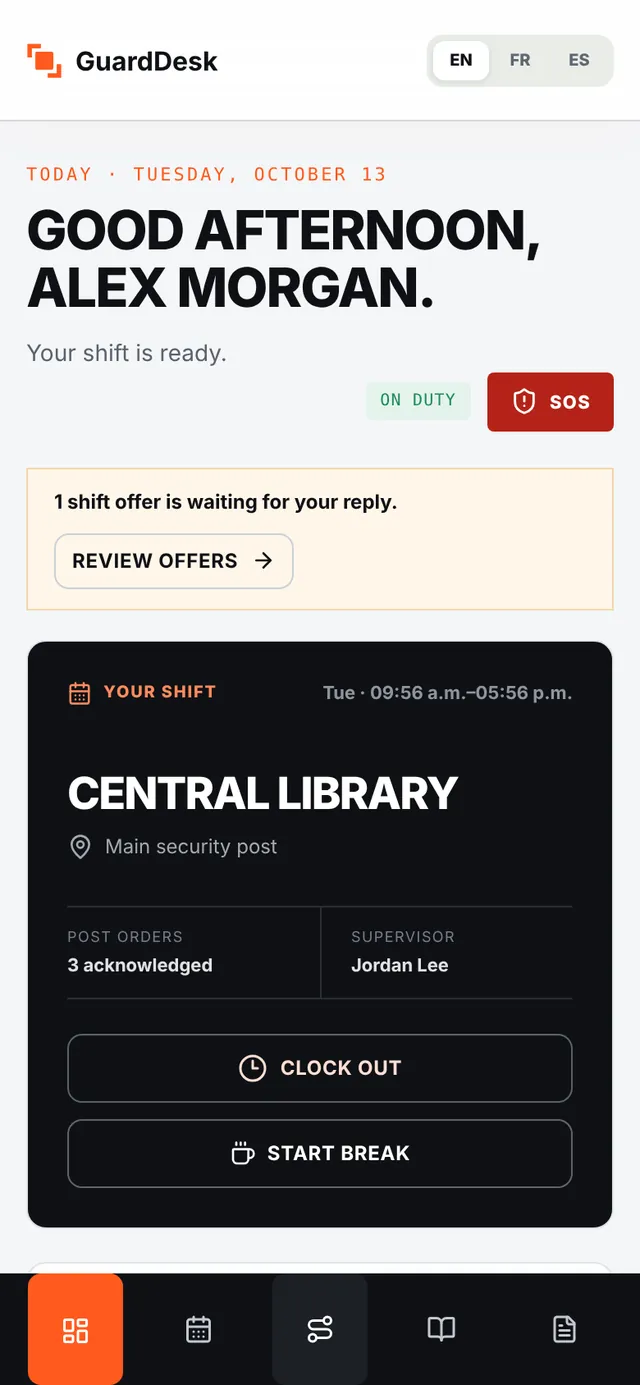
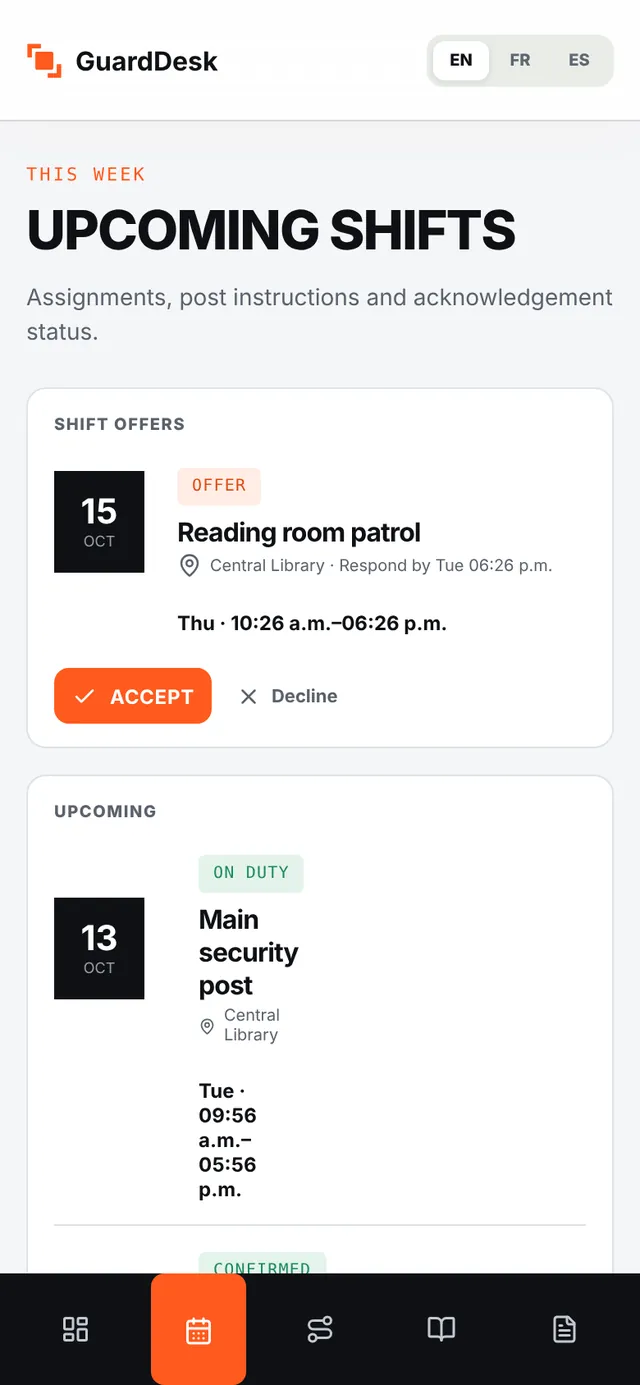
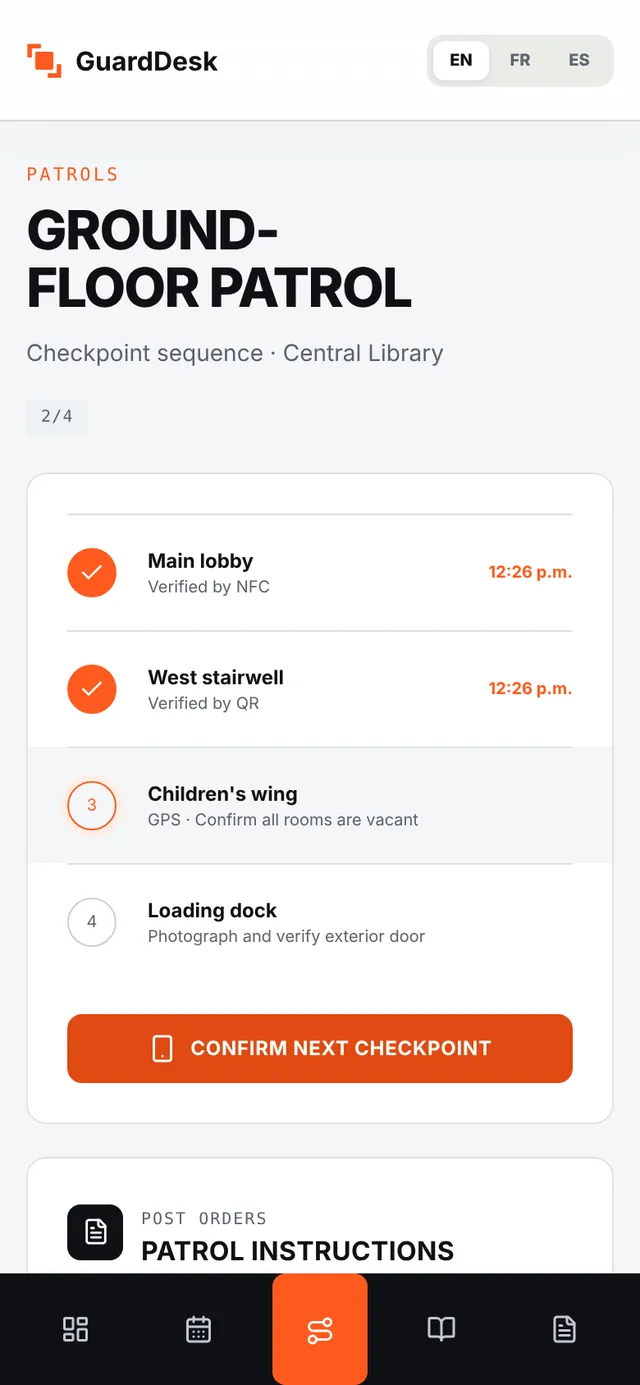
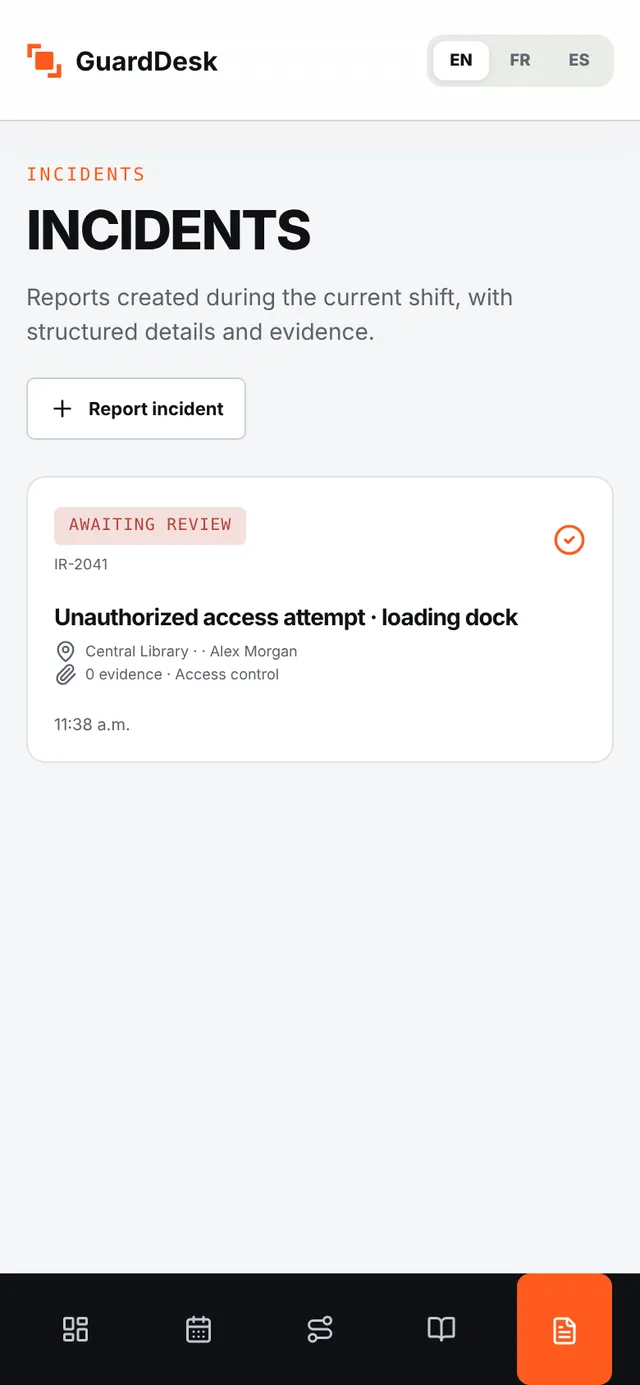
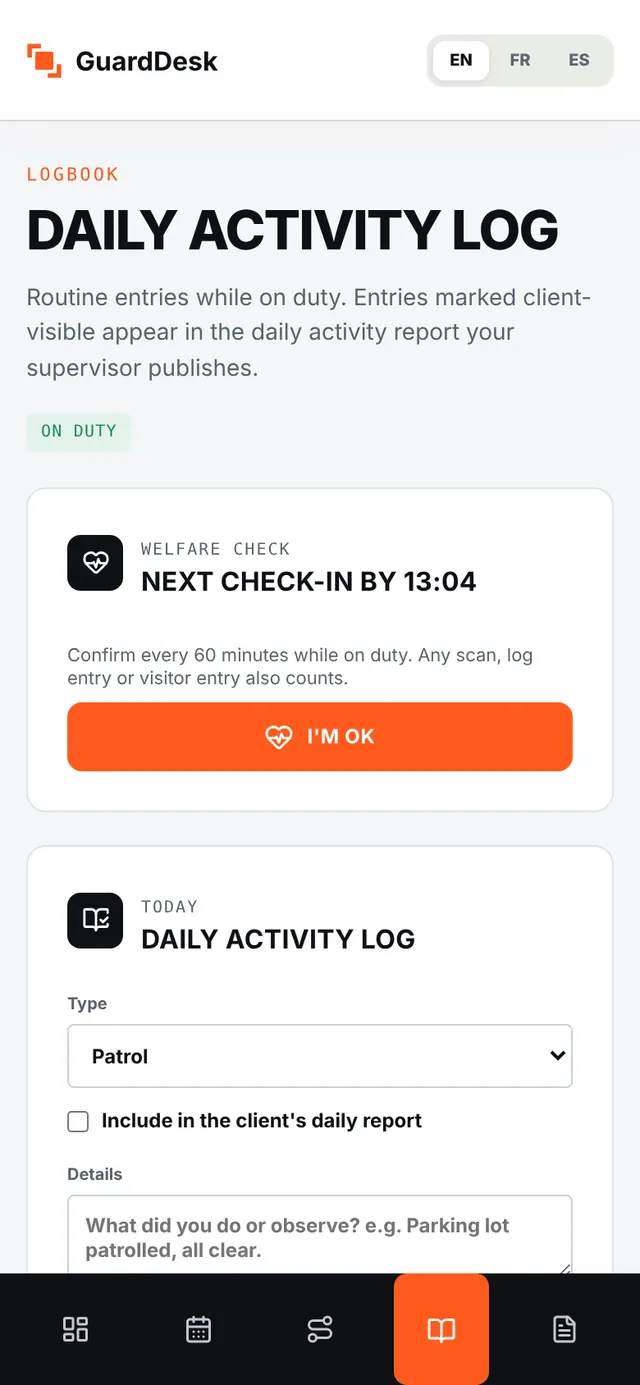
Small details that make guards actually use it.
From invitation to first patrol in one briefing.
During the pilot, Android builds are installed directly and iPhones use Apple’s TestFlight.
- 1 Invite your guardsSend invitations by email or text from the web app, one at a time or from a spreadsheet.
- 2 They install and sign inOne link signs them in. No passwords for guards to forget.
- 3 Ten minutes at briefingClock in, scan a test checkpoint, send a test report. That’s the training.
Questions guards and owners ask
Which phones are supported?
Recent iPhone and Android phones. NFC scanning needs a phone with NFC; QR and GPS checkpoints work on any phone.
Does the app use the guard’s location?
Yes, to verify clock-ins and checkpoint scans during a shift. Guards see a plain-language notice explaining this the first time they sign in.
What happens if the phone has no signal for hours?
Nothing is lost. Scans, photos and reports wait on the phone and are sent automatically, in order, when the connection returns.
Can guards see their own hours?
Yes. Guards see their schedule, their hours and their timesheets, and can dispute hours before the period is locked.
Is the SOS button a monitored emergency service?
No. SOS and missed welfare checks alert your own supervisors immediately, with the guard’s position. GuardDesk does not contact 911 or a monitoring centre. In an emergency, guards should call 911 first, and your firm should decide who answers SOS alerts at night.